
Why your business website still matters alongside social media
By Dismus Nganyi · 4 min read
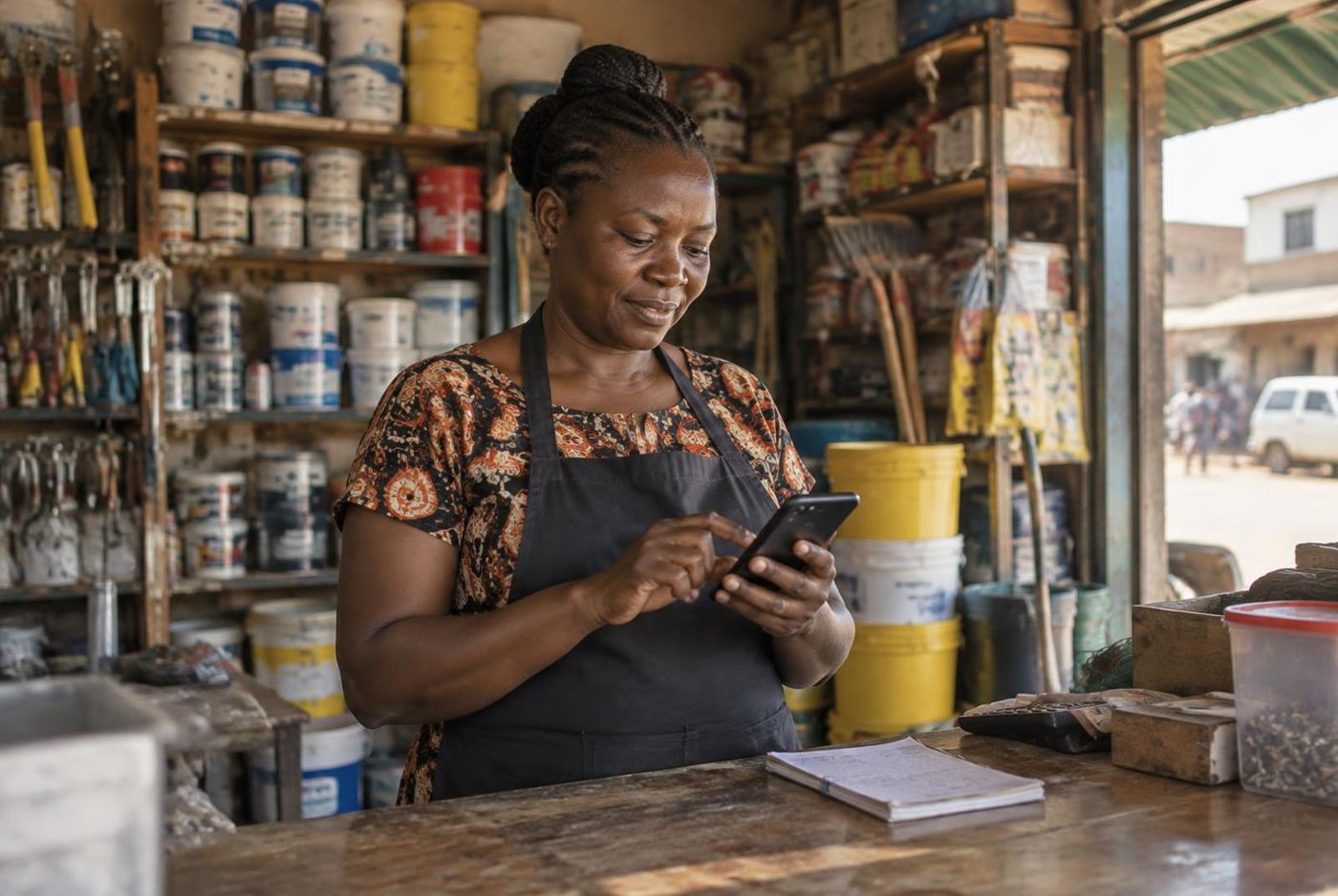 Illustrative photo
Social media and websites do different jobs. You don’t have to abandon the channels customers already use to give your business a useful home online.
If customers already find you through Facebook, Instagram, TikTok or WhatsApp Business, those channels are doing useful work. A website doesn’t need to replace them. The better question is whether people can find reliable information and take the next step without unnecessary back-and-forth. Give each channel a clear job instead of treating the decision as a contest between a website and social media.
1. Keep what works on social media
Social platforms can be good places to show new work, answer questions and join conversations. A salon in Kakamega might use Instagram to show hairstyles, Facebook to share updates and WhatsApp Business for enquiries. If that arrangement brings useful conversations, keep it. Don’t stop posting simply because a website has launched.
Choose channels you can look after rather than opening an account everywhere. An unanswered inbox isn’t helpful to a customer. Decide where you’ll respond, how you’ll handle enquiries that need more detail and which contact route should appear on your website. The aim is a manageable routine, not a longer list of accounts.
2. Give lasting information a clear home
A website lets you organise information by purpose: services, products, work examples, location and contact details. Someone shouldn’t have to search through old posts to understand what your business does. Keep the information short enough to use, but complete enough to answer the questions you hear repeatedly.
For a hardware shop in Nakuru, that might mean clear product categories, a location description and guidance on requesting a quotation. It doesn’t automatically mean building a full online shop. A straightforward website can explain the offer while leaving final stock checks and order discussions to a real conversation.
3. Link posts to the relevant next step
Avoid sending every visitor to the same general page. If a post introduces a service, link to the page that explains that service. If you’re publicising a church event, use a page with confirmed venue information, a clear programme summary and the organiser’s contact. Check that the link still matches the message after plans change.
- Use social posts to introduce the idea or show current work.
- Use a relevant website page to explain the details.
- Offer a clear enquiry route, such as a phone call or WhatsApp.
- Make sure someone is responsible for responding after the click.
Don’t hide important conditions in a caption that isn’t visible from the linked page. Customers should be able to understand the offer wherever they arrive. Also avoid adding several competing buttons when one clear action would be enough.
4. Build trust with useful detail, not decoration
A website address alone doesn’t prove a business is trustworthy. The content still has to be honest. Use your actual business name, accurate contact information and work you have permission to show. Explain what you do and what a customer should expect when they enquire. Don’t invent reviews to make a new website look established.
Real photographs and specific service descriptions are often more useful than broad promises. For example, say which design deliverables are included rather than claiming you handle everything. If customers need to confirm availability before paying through M-Pesa, make that expectation clear and verify the payment details before publishing them.
5. Plan for access and upkeep on every channel
A website gives you choices about presentation and organisation, but it also needs care. Domains and hosting need attention, contact forms need testing and information needs reviewing. Social accounts also need secure access and someone who notices customer messages. Neither option looks after itself.
Keep business-controlled access to the domain, website administration and social accounts. Use secure account arrangements and document who handles updates. If a staff member leaves or you change designers, the business should still be able to respond to customers. This is an operational issue, not something to leave until there’s a problem.
6. Start with a small, workable combination
You don’t need a complicated website or a daily posting schedule to start. List the questions that take the most time to answer, then decide which deserve a permanent page. Keep using the social channel where you can respond reliably. Add links between the two and check the whole experience on your phone.
Let the website carry the organised detail and let social media support conversation and discovery. The right combination is the one your customers can use and your business can maintain.
Build the right foundation
Want help putting this into practice?
Tell me what you're working on and I'll suggest the simplest next step.