AI tools & digital productivity
Practical AI workflows you can keep using after I've gone.
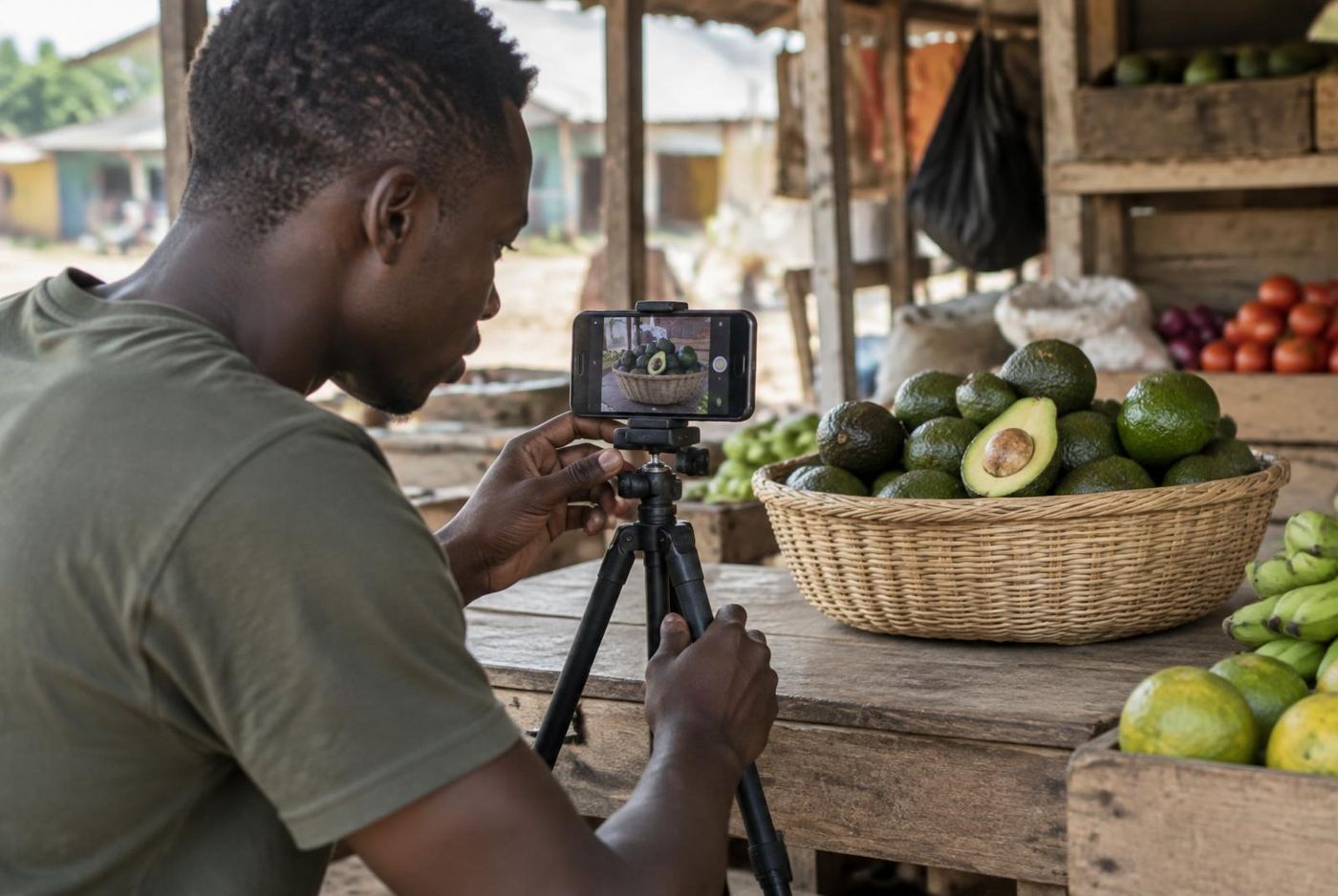
AI tools save time when you know what to ask and what to check. I show individuals and small teams practical workflows I use myself: drafting content, exploring visual ideas, putting short videos together and organising everyday digital work.
What I can help with
Who it's for: Professionals, creators and small teams who want to work faster with tools they can manage themselves.
- Content drafting and editing workflows
- Visual ideas with AI image tools
- Short promotional video workflows
- Everyday productivity set-up
How it works
Your work
What you produce every week and where the time goes.
Pick the tools
A small set of tools that fit the job — not every new app.
Practise
We run the workflow on your own content until it feels routine.
Scope
- This is practical tool support and training — not machine-learning engineering or large-scale automation.
Let's talk about it.
Your answers open in WhatsApp as a ready message. Check it, press send, and I'll reply about scope, timeline and price.
Please don't include passwords, OTP codes, ID numbers or payment details in this form.